Locked Out on a Tuesday? Five Checks That Decide How Fast You Get Back In
Abstract. Password advice changed, but recovery still runs through people and parts. Five things to check before you are the one on hold, and who absorbs the delay.
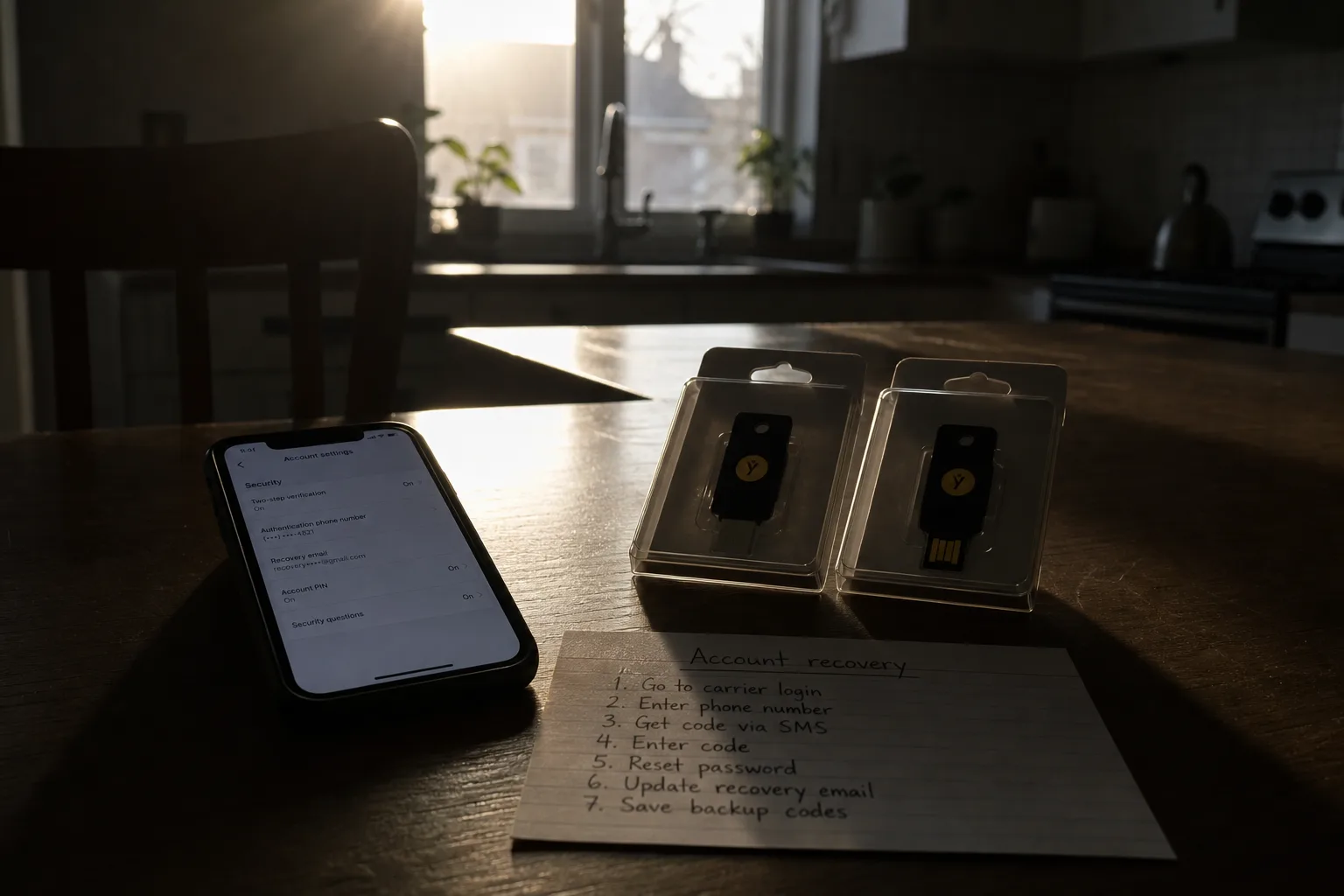
The part of password security that actually costs you time is almost never the password. It is the queue behind it: the help desk agent reading a verification script, the carrier employee who can move your phone number, the fraud analyst at your bank working a different clock than your email provider, and the warehouse that has your replacement security key on backorder until the middle of next month. Advice about length and complexity has shifted a great deal in recent years. The recovery path underneath it has barely moved, and it is where households lose days.
1. Find out what the help desk is allowed to accept before you need it
Every account you hold has a human fallback, and that fallback runs on a script the agent cannot deviate from. Some providers will accept a photo of a driver's license and a video call. Some will accept nothing at all and simply time you out after thirty days. From the customer's side these look identical until the day you are locked out, at which point one is an afternoon and the other is a month of an unreachable inbox. Read the recovery page of your two or three most important accounts now, while nothing is wrong, and write down what proof each one wants.
2. Treat hardware keys as a two-unit order with a lead time
Physical security keys are the most durable answer available to an ordinary household, and they are also a supply item. Models get revised, connectors change, and the version your account documentation names may be the version that is out of stock. When a shortage hits, retailers substitute: a different form factor, a different port, sometimes a different firmware generation that behaves slightly differently during enrollment. Buy two at once and enroll both on the same afternoon, because a single key that goes missing turns into a recovery ticket, and a recovery ticket turns into whatever the help desk script in the first check allows. The second key is cheap insurance against a delay you do not control.
3. Ask your carrier what stops a stranger at the counter
Text message codes still guard a great many accounts, which means the person who can reassign your phone number is effectively a co-signer on your email. That person works retail hours at a counter, under time pressure, following a script written by someone else. Most carriers now offer a port-out PIN or a number lock, set from your account page in a few minutes, that forces an extra step before your line can move. Turn it on and confirm it is on, because from the customer's side the only evidence you get is the absence of a problem. If your carrier calls it something else, ask directly whether a store employee can transfer the line without it.
4. Learn which clock each institution runs on
When something goes wrong, you are not dealing with one organization but with several, each with its own turnaround and none of them coordinating with the others. A bank fraud department may freeze a card within the hour and take ten business days to reissue it. An email provider may run automated review for several days before a person ever sees the ticket. A credit bureau freeze is instant online and slow by mail. The delay that hurts is the one that sits upstream: if your email is the reset path for the bank, then the email provider's queue sets the schedule for everything downstream, and you cannot buy your way to the front of it.
5. Decide now who gets in if you cannot
Most large providers now support some form of legacy or trusted contact, a named person who can request access under defined conditions. It costs nothing and takes a few minutes per account. Without it, the alternative is an executor presenting a death certificate and letters testamentary to a support queue that was not built for the request, which is measured in months rather than days. The National Institute of Standards and Technology is responsible for the federal digital identity guidance that underpins how many of these providers design authentication and recovery, and the direction of that guidance has moved steadily toward fewer forced changes and stronger verified fallbacks. The fallback is the part you configure yourself.
What the checks buy you
Run all five and the total is perhaps an hour, spread across a Sunday, plus the cost of a second hardware key ordered far enough ahead that a substitution does not matter. What you are buying is not a stronger password. It is a shorter interval between the moment something breaks and the moment a human being with authority can confirm you are you, with the proof already in the format they are required to accept.
The households that recover quickly are rarely the ones with the most complicated passwords. They are the ones who found out, before anything went wrong, exactly who was standing on the other side of the recovery form and what that person was permitted to do.
Further reading
- . Breach Notices Arrive Earlier and Say Less. What That Changes About Your Costs.
- . The Notification Clock Slipped a Week. Where That Shows Up on the Invoice.
- . Got a Breach Letter and No Straight Answers? Who Wrote It, and Why Waiting Helps.
- . Breach Letter Over the Holidays? The Steps You Can Finish Sitting Down.